Overview
Background
- The performance document is in the Evaluation in Progress Status.
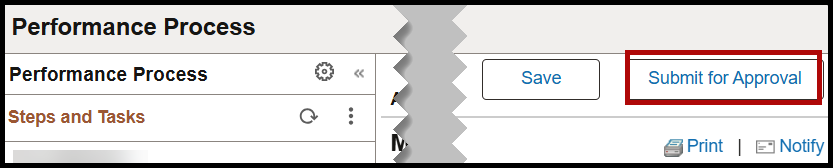
- The manager completes the document and then clicks the Submit for Approval button.
- The approval is routed to the manager's manager.
Approve the Manager's Employee Evaluation
Step 1: Open the Navbar button.

Step 2: Navigate to Menu > Manager Self Service > Performance Management > Approve Documents
Step 3: Click the name link to open the request.

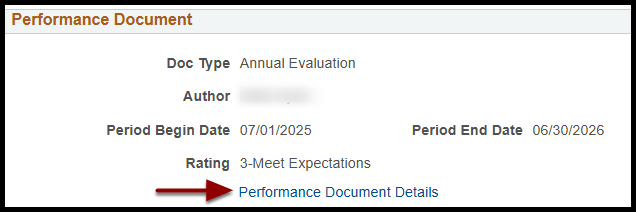
Step 4: Click Performance Document Details to view the document.
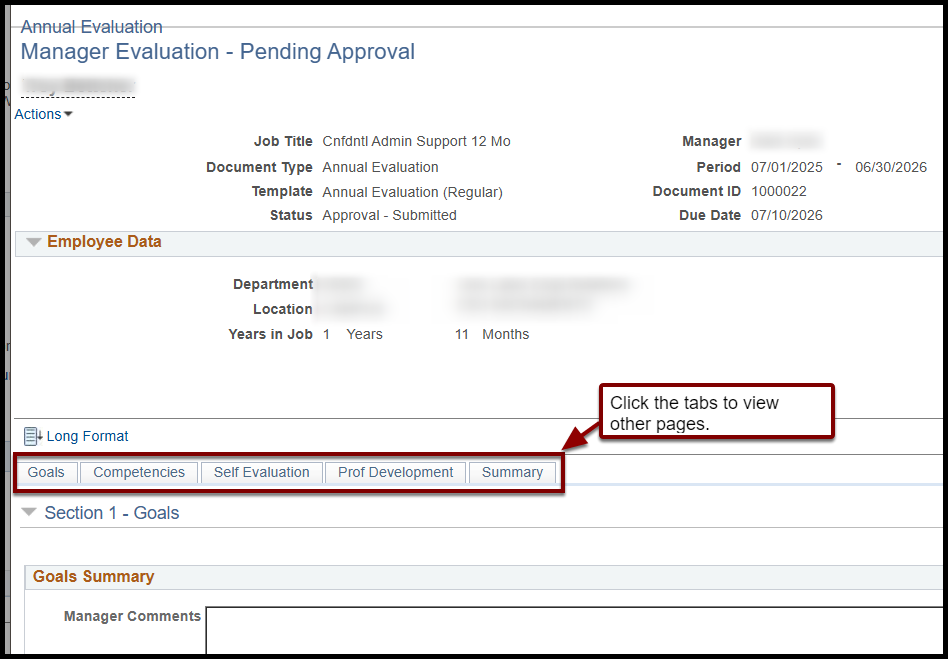
Step 5: Review the manager evaluation document. Click the tabs to view different pages of the evaluation:
- Goals
- Competencies
- Self Evaluation
- Professional Development
- Summary
Step 6: When you are finished with your review, click Return to Performance Document Approval at the bottom of the page.

Step 7: Optional: Enter Comments.

Step 8: Click Approve or Deny.

End of Article