Overview
Open CSU Time
CSU Time is a central location for managing your time reporting, leave, and absences.
- Select the Employee Self Service Homepage
If you have multiple Homepages, select the Employee Self Service Homepage.

- Select the CSU Time tile.
View your absence balances
- Select CSU Employee Balance Inquiry
In CSU Time, select CSU Employee Balance Inquiry to open the CSU Employee Balance Inquiry component.

- Select a page
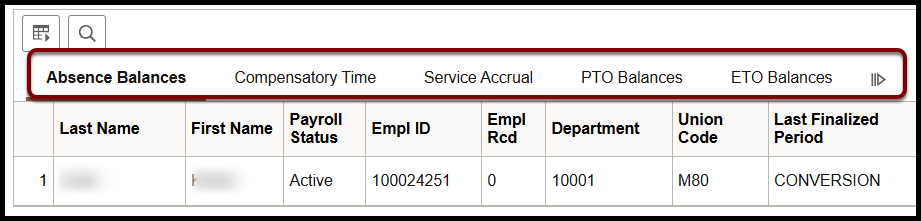
Select the page to view information about:
- Absence Balances
- Compensatory Time
- Service Accrual
- PTO Balances
- ETO Balances
- Click Details
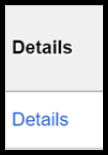
Click Details to open the Absence Balance Detail page.
- You might need to scroll to the right to see the Details link.
- Select type of detail
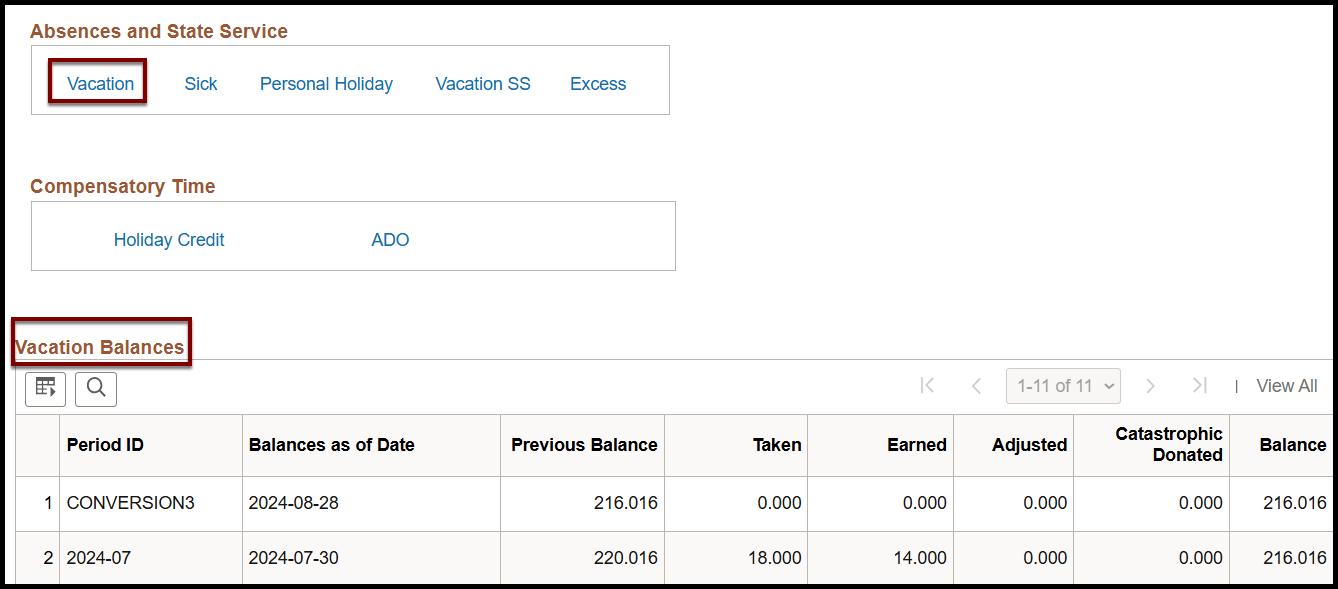
In the Absences and State Service area, select the type of detail to display in the table.
- Vacation
- Sick
- Personal Holiday
- PTO
- Vacation SS
- Excess
End of Article