Opening a ticket
If you are unable to resolve your issue by using the CHRS Knowledge Base Troubleshooting/FAQ information, you can open a ticket to have the Central Management Services team help you.
Step 1: Go to the Optimize website.
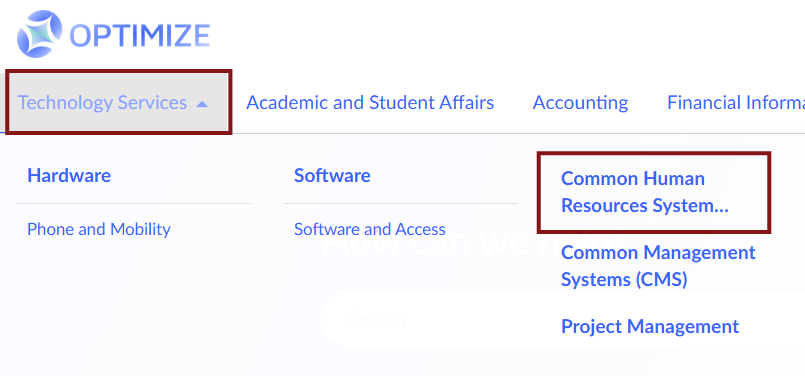
Step 2: Click Technology Services > Common Human Resources System.
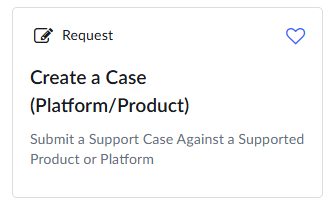
Step 3: Select a request type: Create a Case.
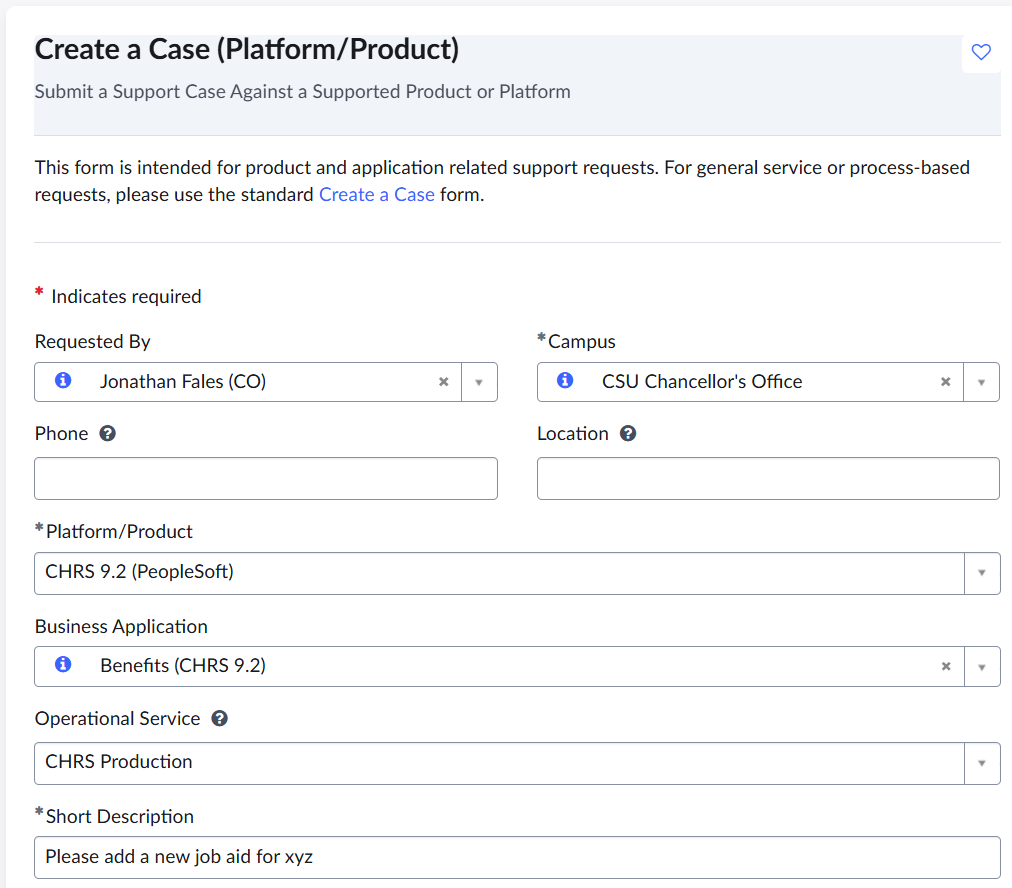
Step 4: Complete the form.
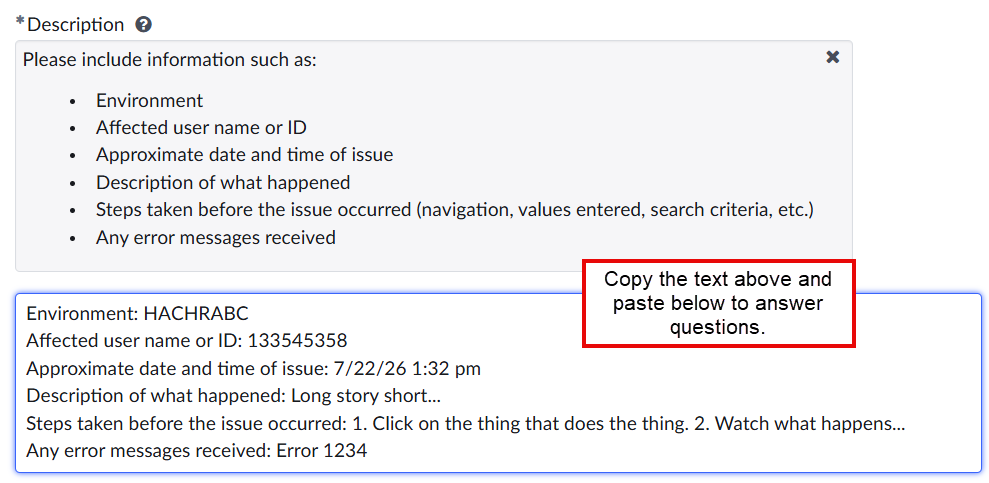
Step 5: Complete the Description field.
Copy the text from the box above into the description field so that you can provide a complete description of the issue.
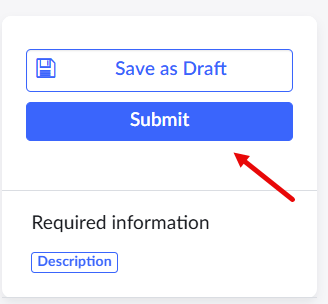
Step 6: Click Submit.
End of Article