Help options
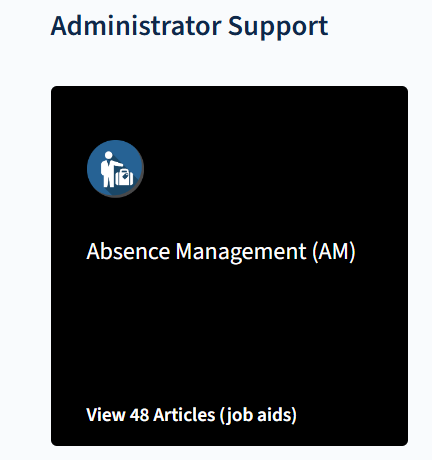
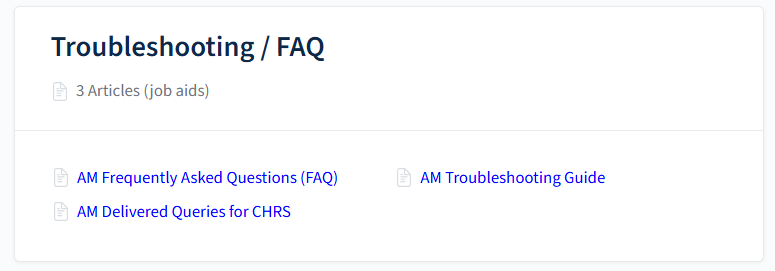
Campus users can find troubleshooting help on a number of issues. The CHRS Knowledge Base contains several articles titled Troubleshooting and Frequently Asked Questions (FAQ). You can browse to these resources either by going to the Role > Module. For example, if you are looking for Absence Management Support, go to:
Administrator Support > Absence Management (AM) manual, then find the Troubleshooting/FAQ chapter.
Opening a ticket
If you are unable to troubleshoot the problem and need more support, you can open a service ticket. See: Open a Support Ticket.
End of Article